
Software for
your pet hotel
Know who’s arriving, which rooms are taken and when each stay ends, at a pet hotel or a boarding kennel. Owners get photos and messages from the app.
Free while in testing. Hotels that start working in Animalia by October 31, 2026 stay on the free plan.
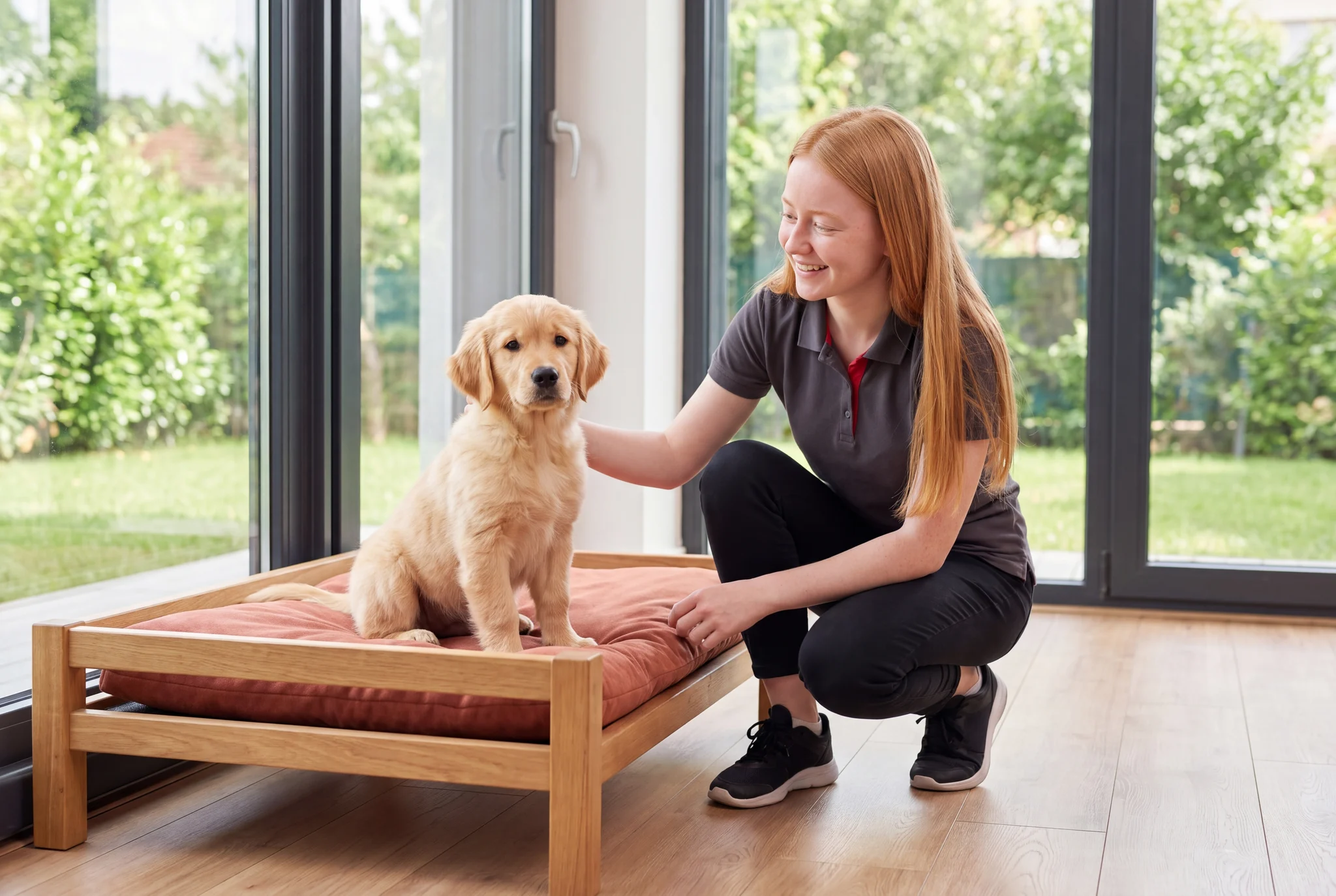
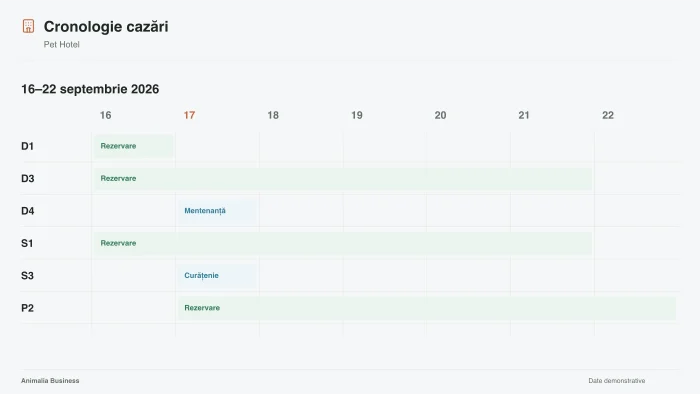
The pet hotel module is in testing and we're looking for the first pet hotels to build it with. In the demo you'll see what it already does and tell us what you're missing.
App features
Online booking
Animalia Business takes your appointments automatically, at any hour, without disrupting your schedule, and helps you get found online.
See the feature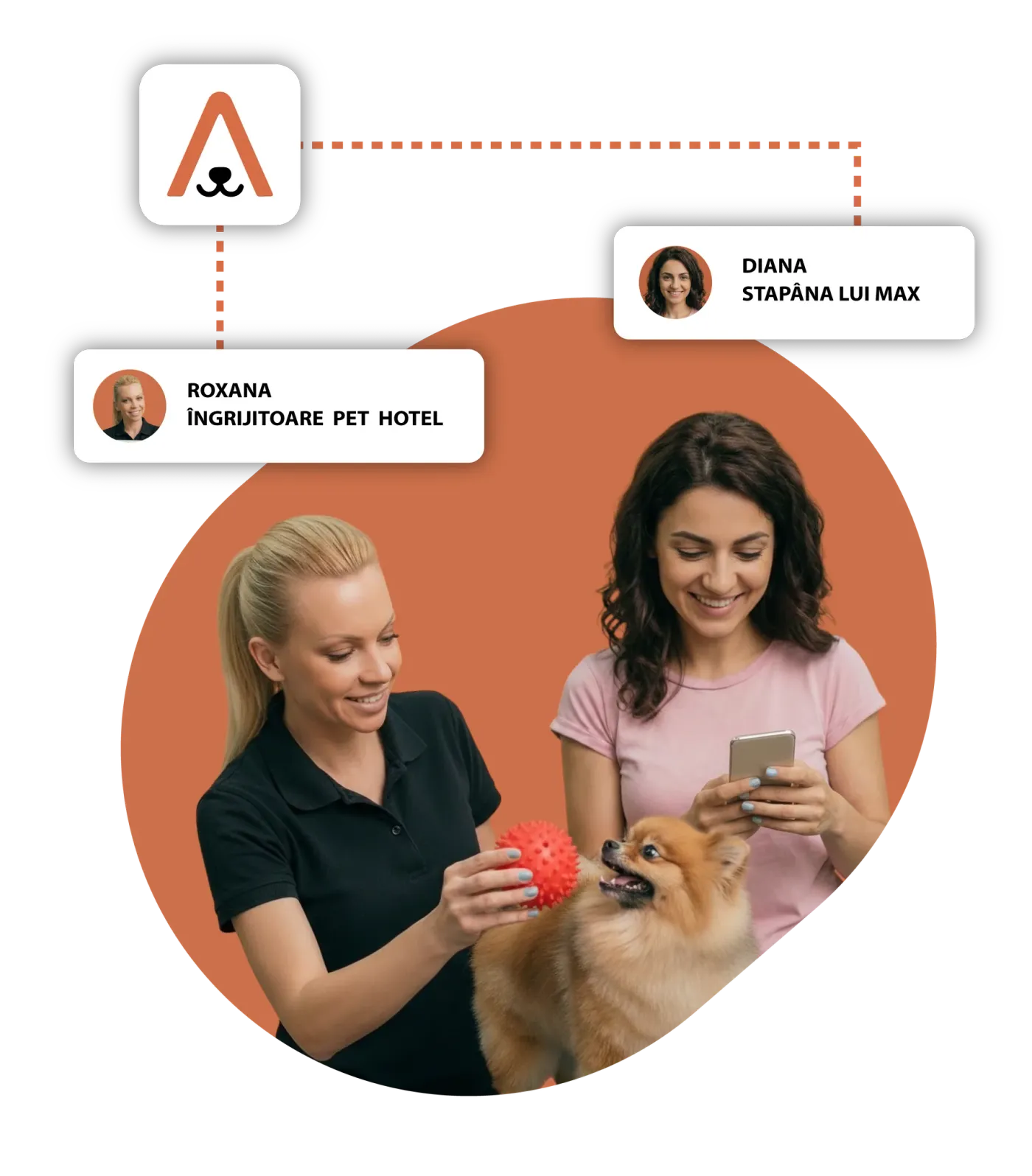
Rooms and stays
Animalia Business gives you a complete set of systems and tools to manage and configure your pet hotel business.
See the feature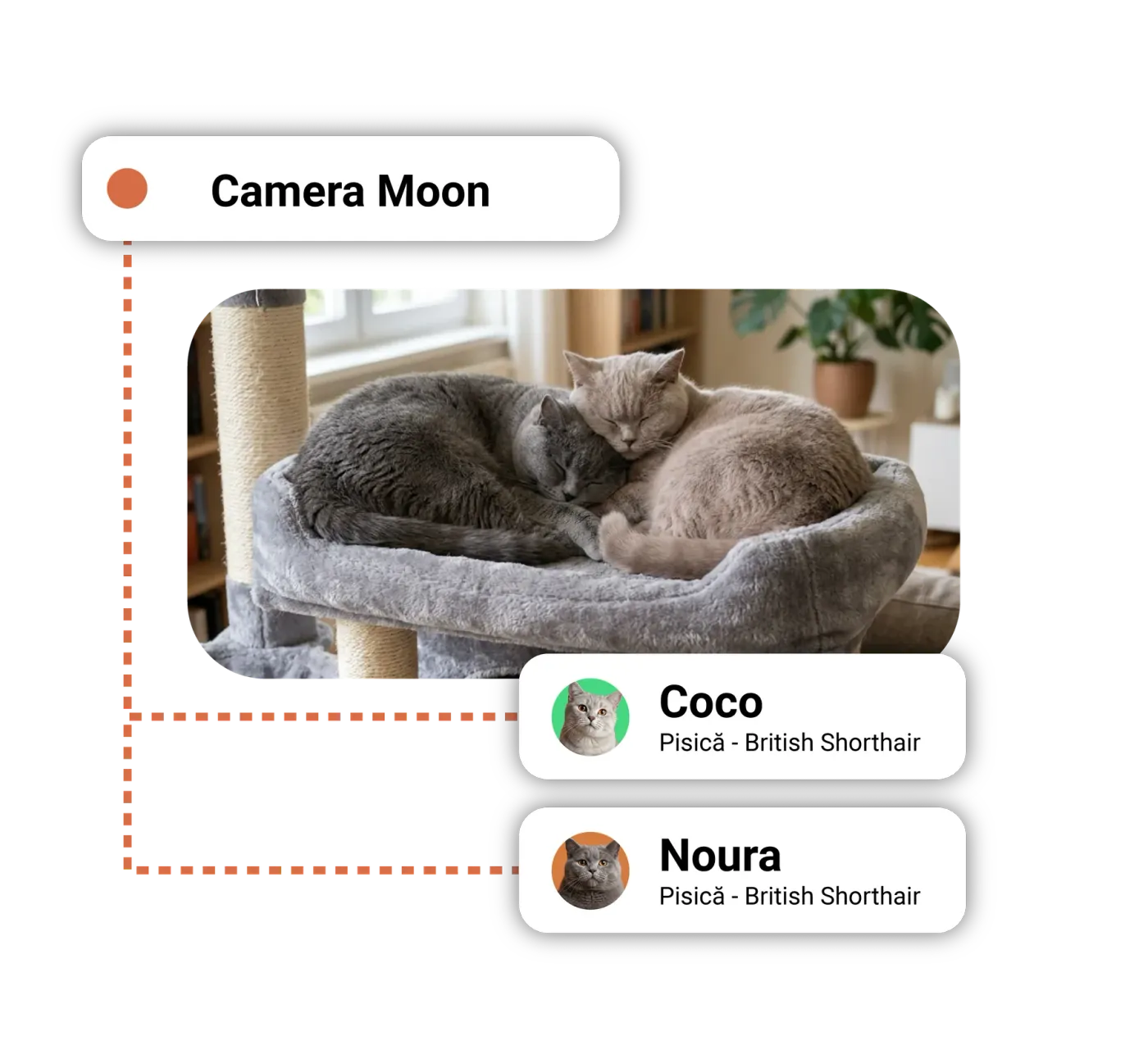
Clients and pets
In Animalia Business, you keep information about your clients and their pets in a single database, automate communication and build loyalty.
See the feature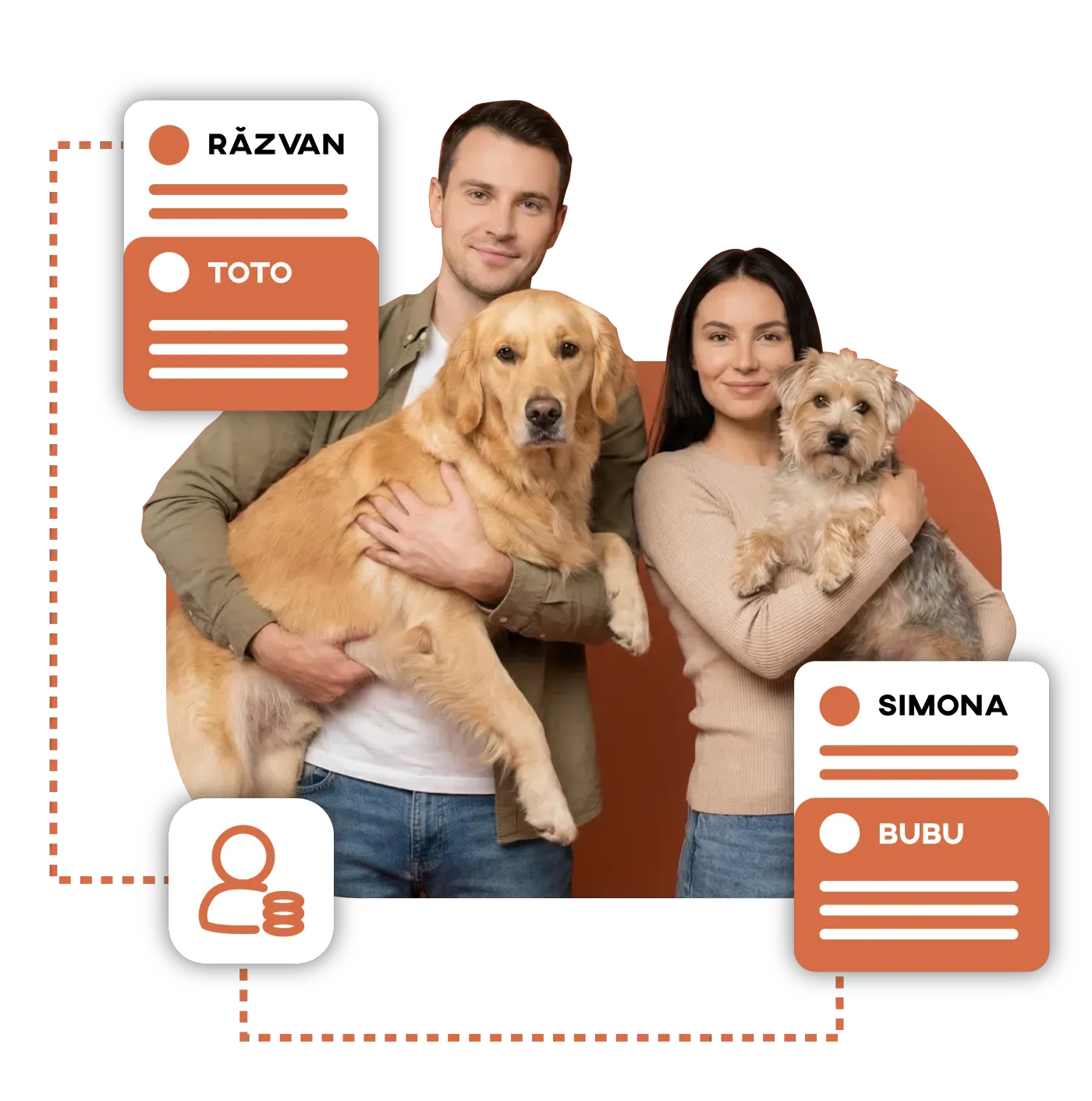
Automated messages
Animalia Business offers an automatic SMS and WhatsApp messaging system that makes communication with clients more effective, with reminders you can confirm on WhatsApp, bulk SMS, follow-up messages, win-back campaigns, rescheduling messages and many other flows fitted to each business, with extensive options for customization.
See the feature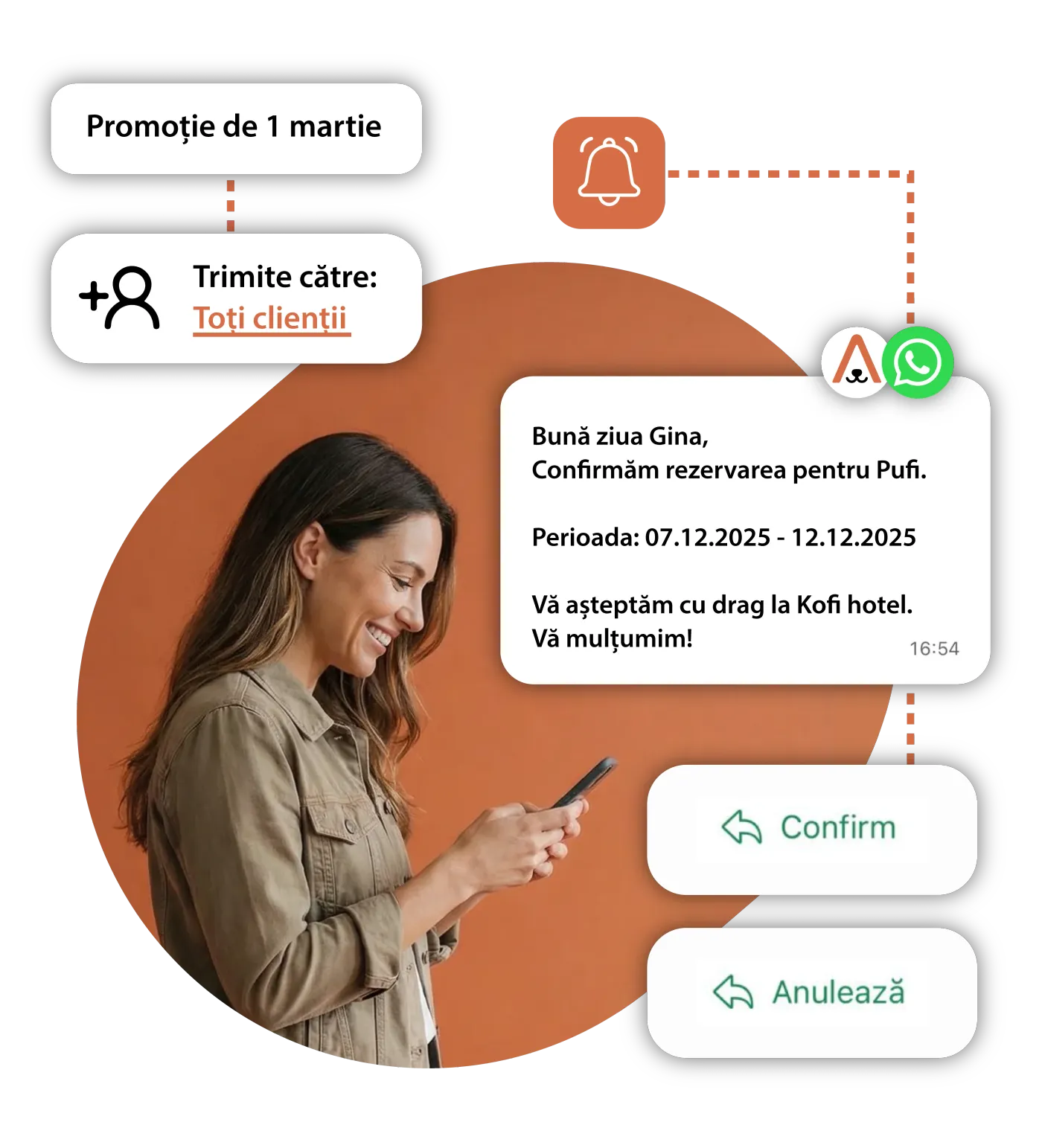
Forms and contracts
Animalia Business gives you a digital forms system you can fully configure to the processes and requirements of each business.
See the feature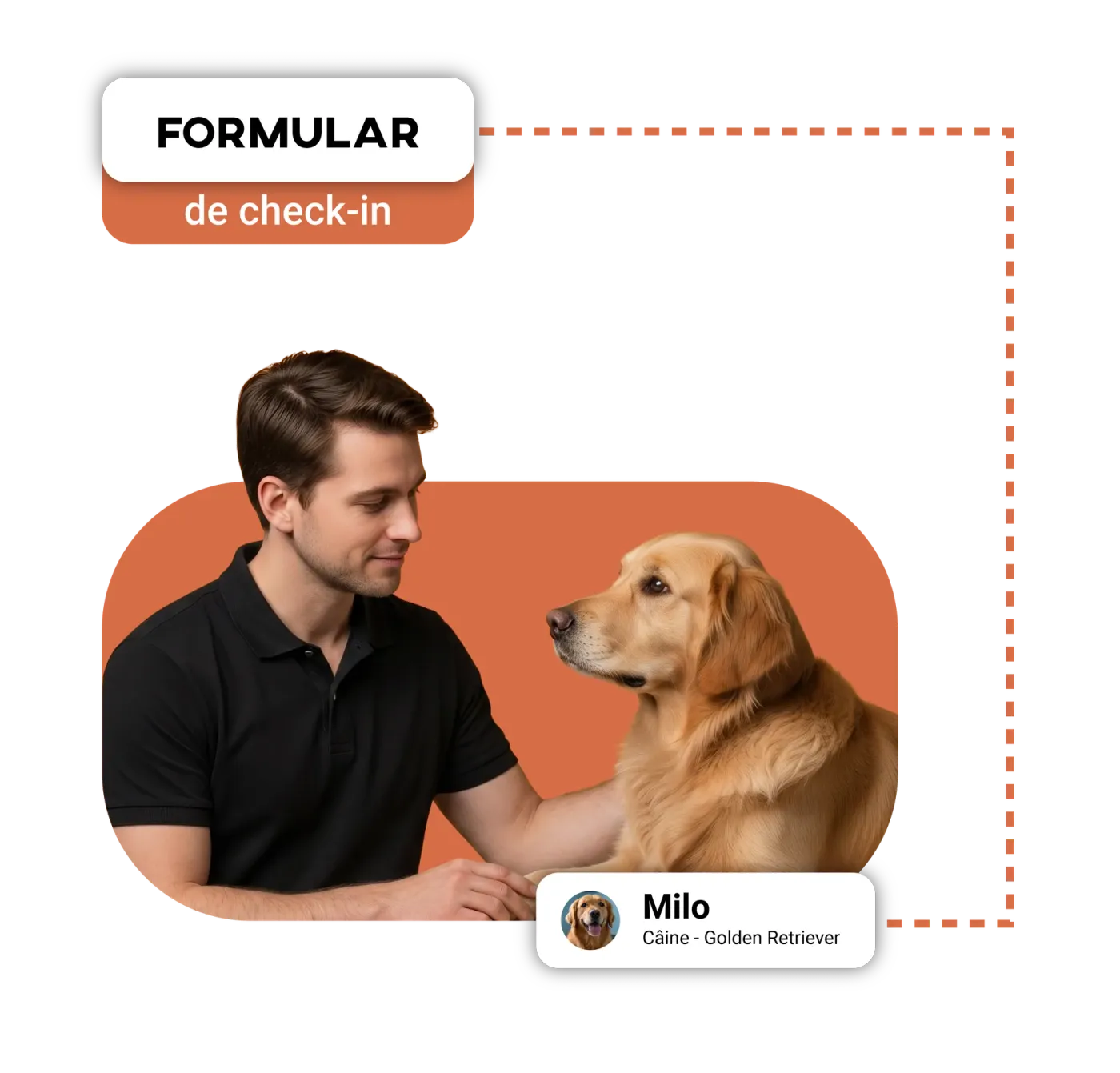
Reports
Animalia Business offers four categories of reports: reports based on services, on room performance, on clients and on revenue. You can configure the time range for each of them, and generate reports for weekly, monthly, quarterly or yearly periods, or for any other range you choose.
See the feature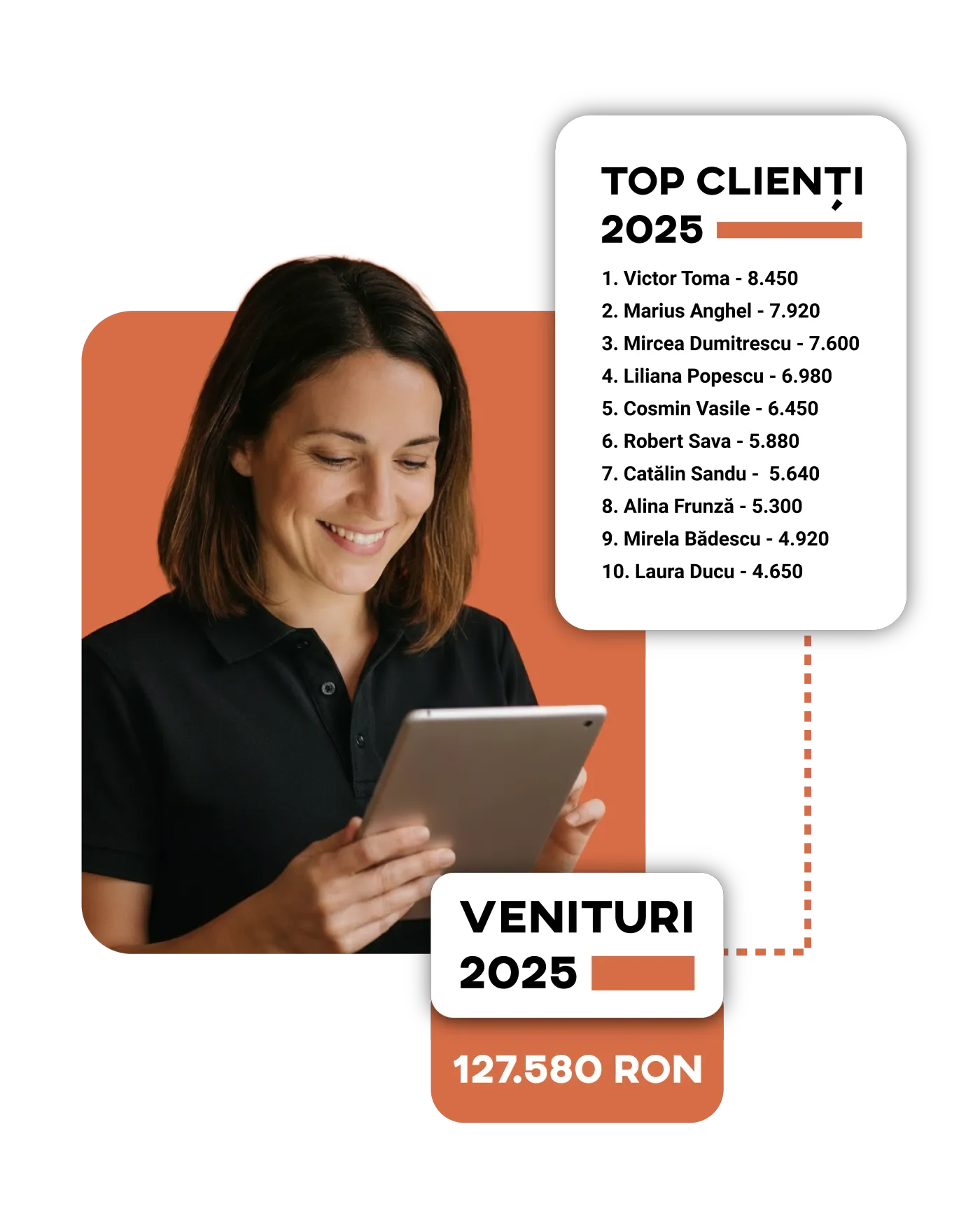
Team and access
The team management system in Animalia Business keeps your whole team connected in one place, so you can follow the team and its performance more closely. It's built for maximum flexibility, with setups that fit each team's needs.
See the feature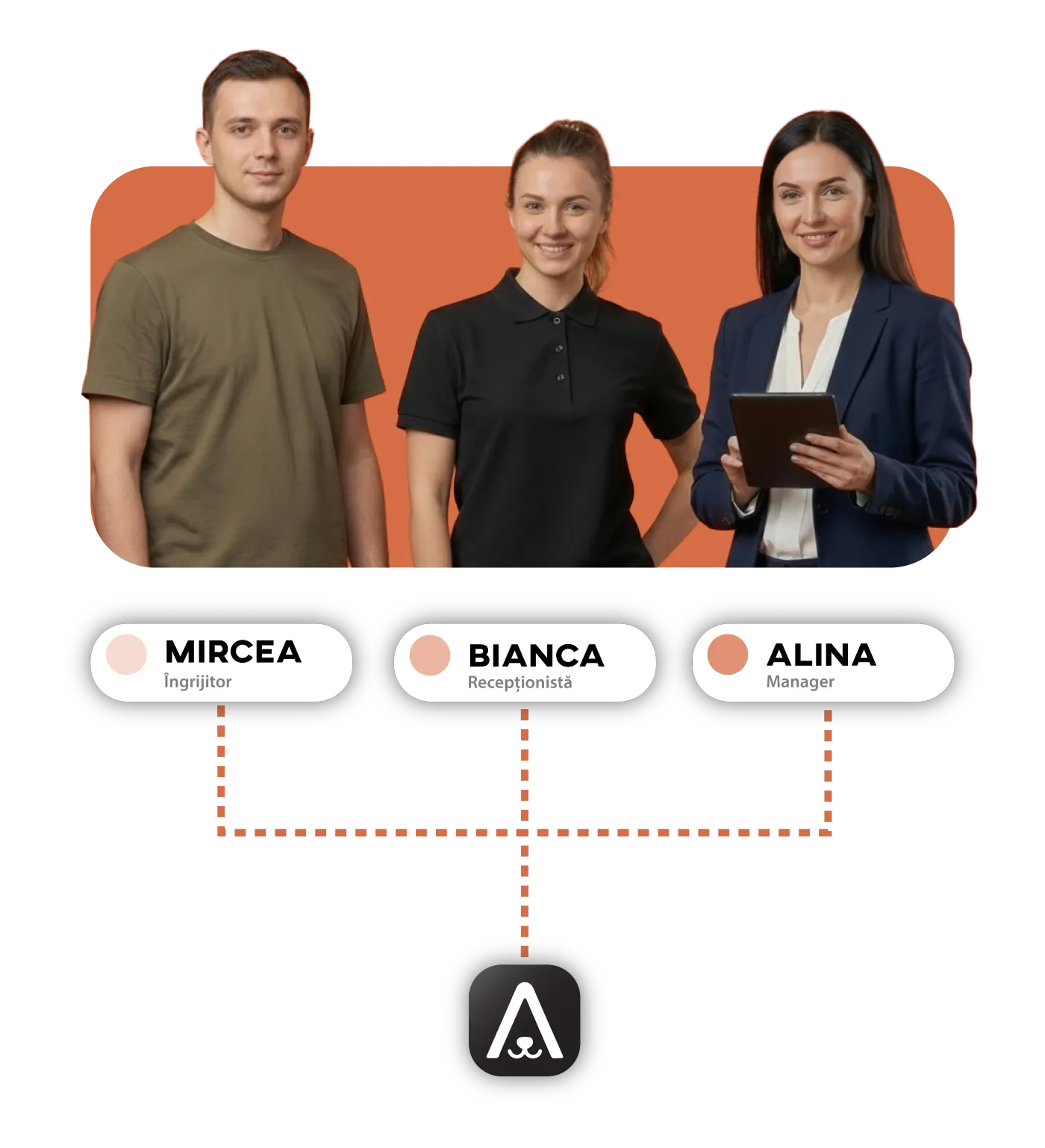
Data migration
Data migration
The Animalia Business support team transfers your data for free, to make the move from one app to another easier and to help you use the platform as quickly and as well as possible.
See the feature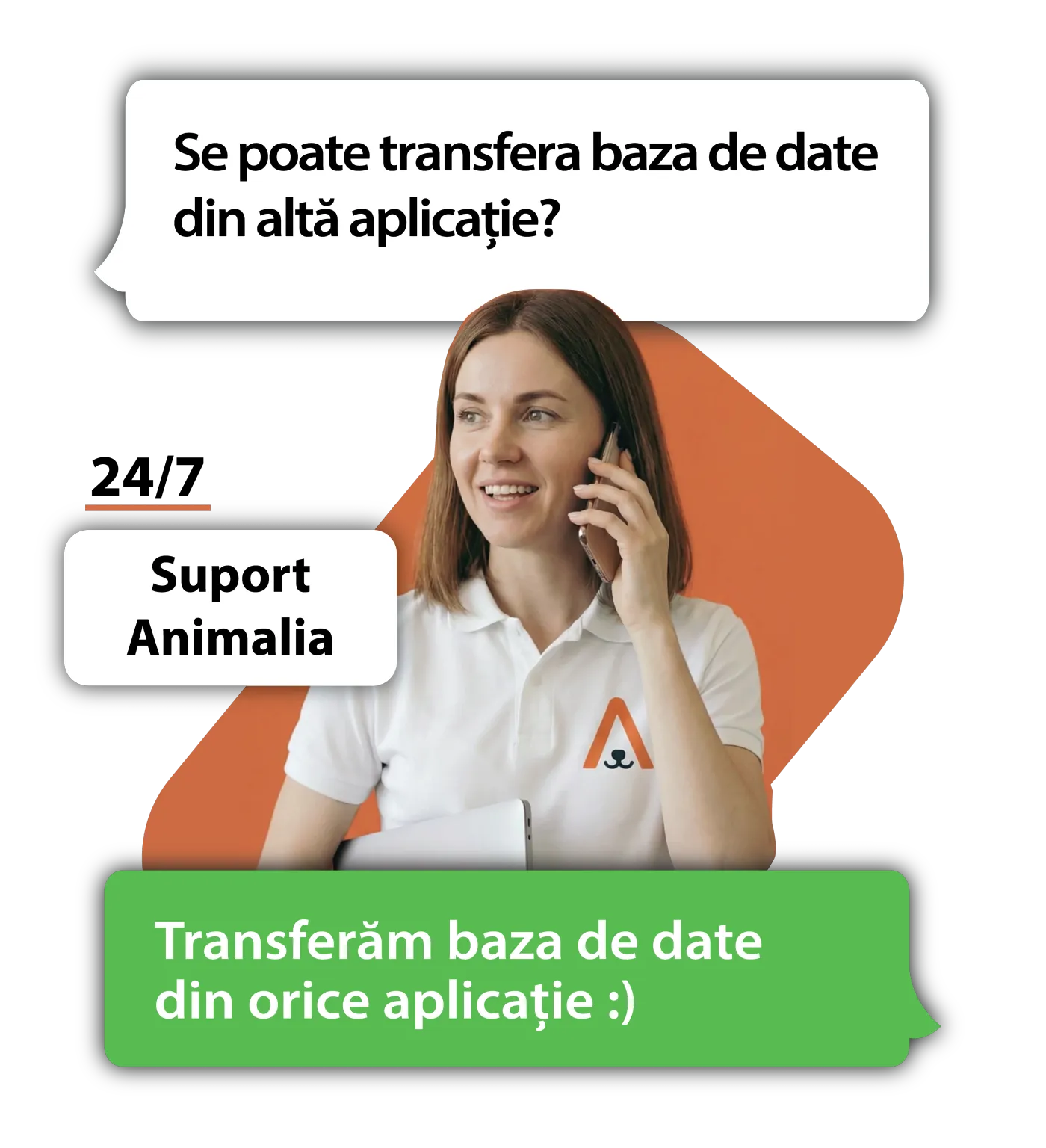
Animalia Business guarantees
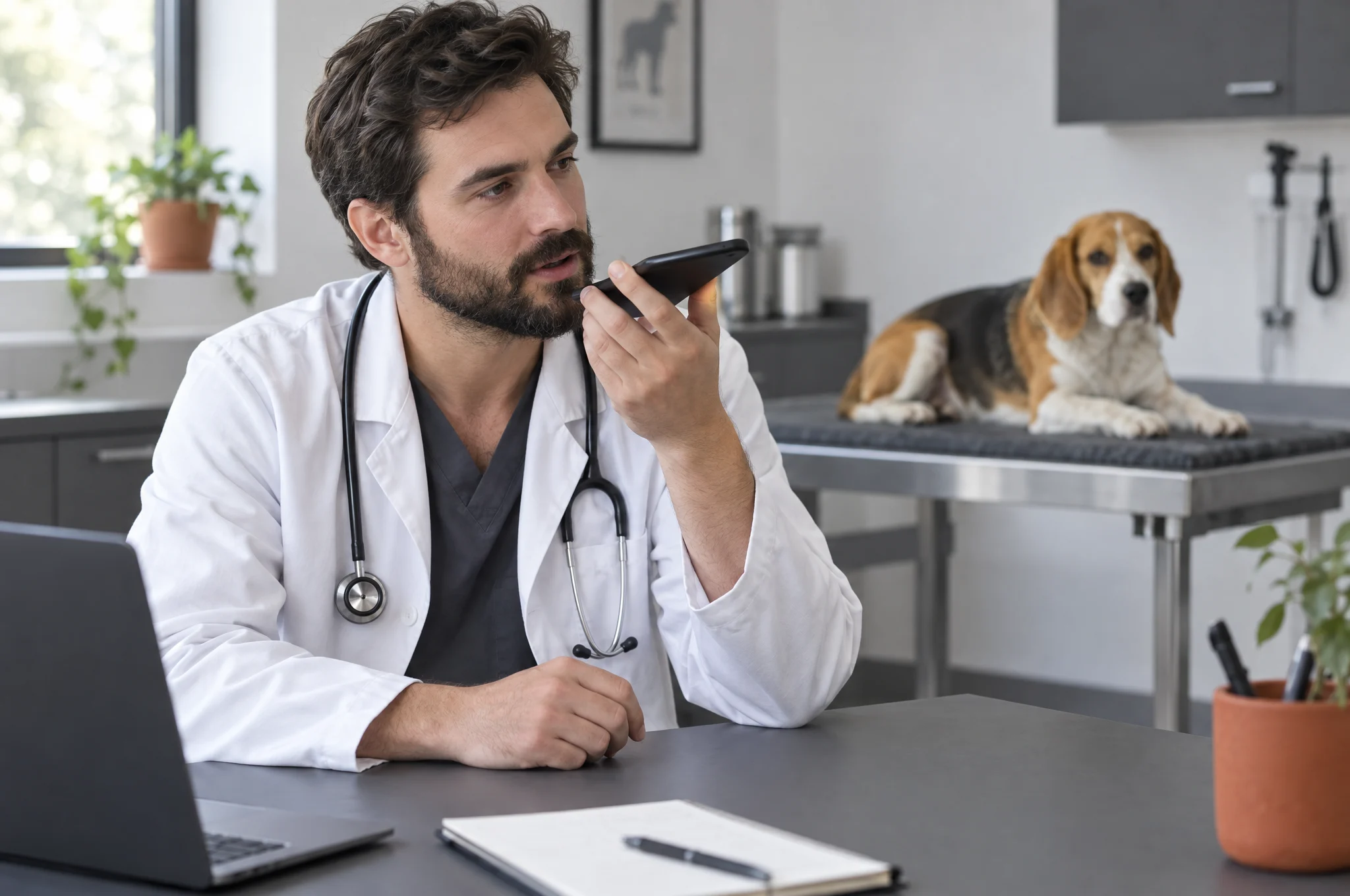
Personal account manager
One person on our team for everything you need.
You get an account manager from the Animalia team who knows your business and whom you can reach directly.
- They answer any question about the app.
- They take the features you need and bring them to the product team.
- They advise you on how to use Animalia to grow your business.
Website at half price
A premium website, built by the Animalia Studio team.
As long as you have an Animalia Business plan, Animalia Studio builds your website at half price. Our team builds it, connected to your appointments.
- Essential · 1 page
- 100 EUR instead of 200 EUR
- Complete · 6 pages
- 250 EUR instead of 500 EUR
- Hosting and maintenance are included while your plan is active.

Integration with your system
Using software we don’t connect to yet? We’ll connect it.
If you already use software that Animalia doesn’t connect to yet, we’ll build the integration for you.
- If it’s a system used by several businesses, the integration is free.
- If it’s a system only you use, we’ll work out together what it involves and what it costs.

iOS, Android and browser
The same app, on your phone and your computer.
Animalia Business is on the App Store and Google Play, and it works in the browser on any computer. Your account, appointments and clients are the same everywhere.
- At the front desk you work on a computer; next to the pet you work from your phone.
- You don’t install anything on your computer: you open the app in your browser.

Free demo and training
We show you the app and teach your team.
We show you Animalia live, on your own business workflow, in a free demo. Once you start, we teach your team to work in the app, also for free.
- The demo takes 30 minutes.
- Support in Romanian is available 24/7, including after training.
Works with what you already use
Billing and payments
Communication and calendar
Website and data

Questions about the pet hotel module
Who is Animalia Business for?
Grooming salons, veterinary clinics, pet hotels and businesses that offer more than one of these services.
Can I use several modules in the same account?
Yes. You can use the grooming, veterinary and hotel modules in one account, depending on your business and plan.
Is it a good fit for a small business?
Yes. Start with a small team and switch to another plan when you need more people or more locations.
Can I manage more than one location?
Yes. You keep locations and teams in the same account. How many locations are included depends on the plan.
Can I add a module later?
Yes. Start with the module you need and add others when you expand your services.
What can I run in Animalia?
Appointments, client data, messages and payments stay in the same app. Depending on the module, you also get medical records, inventory or boarding reservations.
Can I use the hotel with grooming or veterinary?
Yes. You can work with all three modules in the same account and keep the information on the same pet's profile.
How many rooms can I manage?
The included capacity depends on the plan and the current offer. You'll find the current limits and terms on the Pet Hotel pricing page.
What do I need to set up first?
You choose your business type and the modules you need. The app prepares the right structure, then you add your services, hours and team.
How does the app adapt to my business?
When you create the account, you pick the modules that fit your work. Animalia sets itself up around that choice, and you add your business details.
Do I have to install the app?
On a computer you can work right in the browser. On your phone there are dedicated apps for iOS and Android. Connecting a fiscal cash register requires setting up a compatible driver.
Will you help me move my data from my current app?
Yes, data migration is free. We check what can be exported from your current app and prepare the transfer together.
How long does it take to get started?
It depends on how your business is set up and the data you want to import. In the demo we map out the steps and tell you what switching to Animalia involves.
How does my team learn the app?
In the demo we show you the steps that matter for your business. Our team helps with questions about setup and use.
Can I work from a phone or tablet?
Yes. You can use Animalia Business on a phone, tablet and computer.
Where do I see appointments and reservations?
In the grooming or veterinary module you follow appointments on the calendar. In the hotel module you see reservations by room and length of stay.
Can I keep each pet's history?
Yes. The pet's profile brings together the visits and information your team recorded, depending on the module you use.
Can I message clients?
Yes. You have SMS and WhatsApp messages for reminders, confirmations and campaigns. You choose the messages, the recipients and when they go out, depending on your setup and the credits available.
Can I issue invoices and track payments?
Yes. You prepare invoices and track payments in the app. For fiscal receipts, you connect a compatible fiscal cash register.
What reports can I see?
You can track payments, services and team activity. The hotel module also includes room and occupancy reports. You choose the period you want to look at.
How do I check vaccination requirements?
You set the hotel's requirements, and proof of vaccination is attached to the reservation. Requests that don't meet the rules can be blocked or sent for manual approval, depending on your settings.
Can I send photos to owners?
Yes. Your team adds photos, clips and messages to the stay journal. The owner sees them in Animalia Booking.
How is client data protected?
You decide what each colleague can access through roles and permissions. Details on how data is processed are in the privacy policy; you can contact us with specific questions.
Can I give my colleagues access?
Yes. You add colleagues up to your plan's limit and set each person's role and permissions.
How do I get help?
Support is in Romanian. You can write to us on WhatsApp or reach us by phone and email, using the details on the Contact page.
Can I try Animalia before I choose a plan?
Yes. You get a 14-day free trial, no card. You start with a demo where we show you the app and talk about your business.
Can I pay monthly or yearly?
Yes. You choose monthly or yearly billing. With yearly billing you pay the equivalent of 10 months and use the app for 12.
How is the price set for my business?
You choose the plan based on your team and locations. Included members aren't charged separately; each plan's limits are on the pricing page.
Can I collect the deposit online?
Yes. The client pays the deposit at booking through Stripe. You set the amount or percentage and the refund policy.
Do I need a website to take online bookings?
No. Clients book from your Animalia Booking page, which you share by link or QR code. If you want a website too, Animalia Studio builds it at half price while your subscription is active, with hosting and maintenance included.