Pricing for veterinary clinics

Choose the plan by team and locations. Members included in the plan aren't charged separately.

Plans and pricing

On November 1, 2026 Animalia prices go up. Subscribe by October 31, 2026 and you keep today’s price for as long as you stay subscribed.

With annual billing you pay for 10 months and use 12.

Freelancer Vet

For the clinic with up to 2 members.

2521EUR/month
or 21 EUR/month billed annually
  • 2 membri
  • 100 SMS + WhatsApp credits / month
  • 1 location

See all features

Book a demo

14 days free, no card. We do the migration.

Enterprise

For the clinic with up to 3 locations and 10 members.

7563EUR/month
or 63 EUR/month billed annually
  • Up to 10 members, with permissions and roles
  • 1,000 SMS + WhatsApp credits / month
  • Up to 3 locations

See all features

Book a demo

14 days free, no card. We do the migration.

On every plan

  • One plan per business, with the team included up to the plan's limit
  • Unlimited appointments, clients and pets
  • Free data migration
  • iOS and Android apps
  • Automatic daily backup
  • Updates and new features
  • Email and chat support
  • Listing in Animalia Booking.

Credits are shared between SMS and WhatsApp. A WhatsApp message costs one credit, a marketing message two. A long SMS uses more than one credit. If a message can’t be delivered on WhatsApp, it goes out by SMS. When credits run out, you can carry on paying per message, with a spending limit you set.

The prices shown are final. No VAT is added.

  • Data hosted in the EUServers in Frankfurt
  • GDPRClient data stays yours
  • e-Factura and fiscal receiptIn Romania, through Oblio or SmartBill and your cash register
  • Support in RomanianOn WhatsApp, 24/7
  • App Store and Google PlayBusiness and Booking

Pricing questions

How is client data protected?

You decide what each colleague can access through roles and permissions. Details on how data is processed are in the privacy policy; you can contact us with specific questions.

Can I give my colleagues access?

Yes. You add colleagues up to your plan's limit and set each person's role and permissions.

How do I get help?

Support is in Romanian. You can write to us on WhatsApp or reach us by phone and email, using the details on the Contact page.

Can I try Animalia before I choose a plan?

Yes. You get a 14-day free trial, no card. You start with a demo where we show you the app and talk about your business.

Can I pay monthly or yearly?

Yes. You choose monthly or yearly billing. With yearly billing you pay the equivalent of 10 months and use the app for 12.

How is the price set for my business?

You choose the plan based on your team and locations. Included members aren't charged separately; each plan's limits are on the pricing page.

What happens after the trial?

You get 14 free days, no card. Use that time to see whether Animalia fits your business before you pick a subscription.

Do I need a website to take online bookings?

No. Clients book from your Animalia Booking page, which you share by link or QR code. If you want a website too, Animalia Studio builds it at half price while your subscription is active, with hosting and maintenance included.

Can't find the answer you're looking for?
Write to us and we'll help you quickly

Contact usechipa

Animalia Business guarantees

  1. Free data migration

    We move the data from the app you use now.

    We check what can be exported from your current app and prepare the transfer together with you, so you start in Animalia with your clients and your history.

    • We decide together what moves: clients, pets, history, appointments.
    • How long it takes depends on the volume and format of the data. You know every step in advance.
    • You pay nothing for the migration.
    A veterinarian photographing a document to move it into the app
  2. Personal account manager

    One person on our team for everything you need.

    You get an account manager from the Animalia team who knows your business and whom you can reach directly.
    • They answer any question about the app.
    • They take the features you need and bring them to the product team.
    • They advise you on how to use Animalia to grow your business.
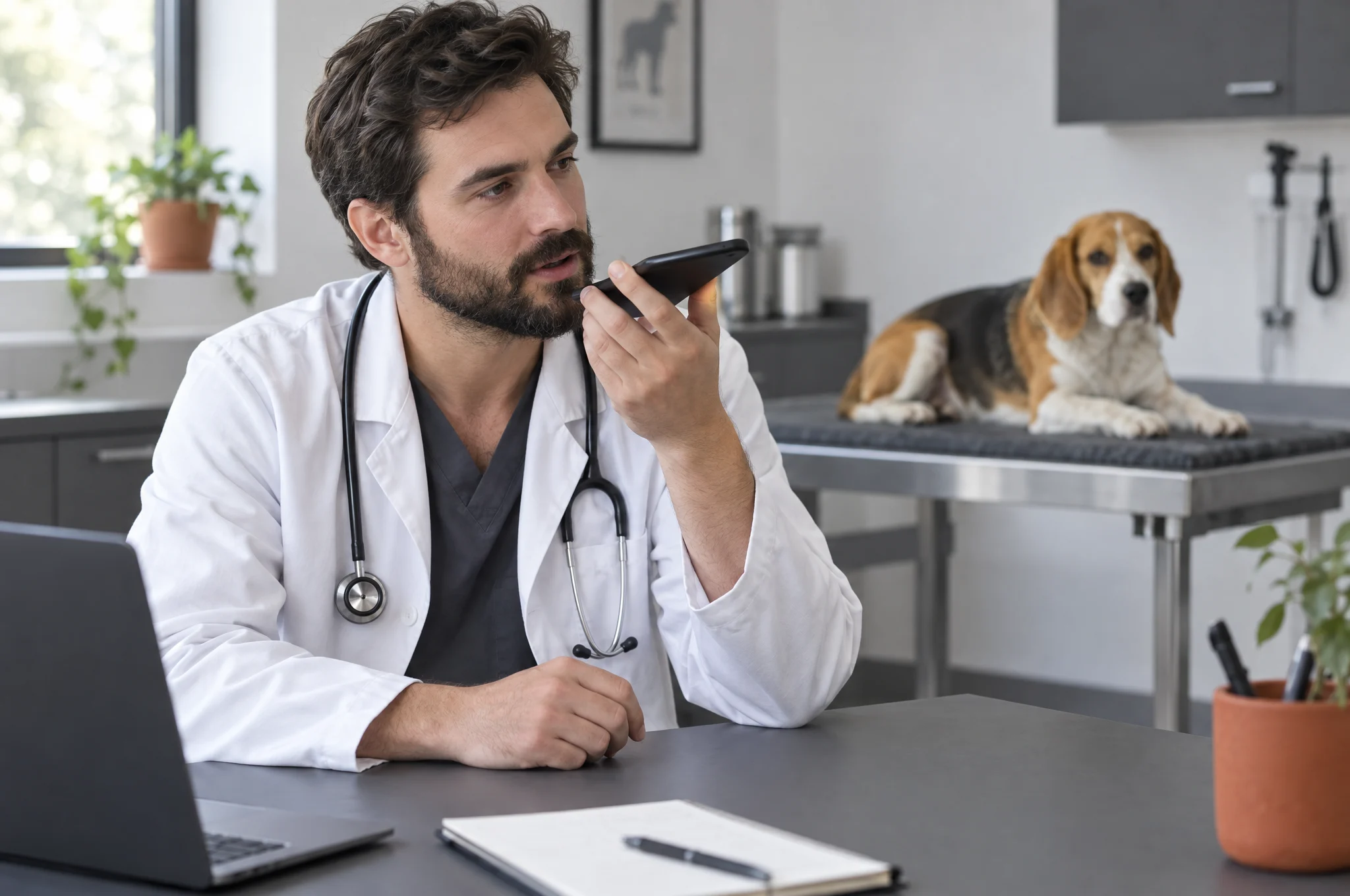
    A veterinarian on the phone at his desk, with a beagle behind him
  3. Website at half price

    A premium website, built by the Animalia Studio team.

    As long as you have an Animalia Business plan, Animalia Studio builds your website at half price. Our team builds it, connected to your appointments.

    Essential · 1 page
    100 EUR instead of 200 EUR
    Complete · 6 pages
    250 EUR instead of 500 EUR
    • Hosting and maintenance are included while your plan is active.
    See Animalia Studio
    The owner of a grooming salon next to a laptop, with a white poodle on the counter
  4. Integration with your system

    Using software we don’t connect to yet? We’ll connect it.

    If you already use software that Animalia doesn’t connect to yet, we’ll build the integration for you.

    • If it’s a system used by several businesses, the integration is free.
    • If it’s a system only you use, we’ll work out together what it involves and what it costs.
    Two colleagues working together on a laptop and a tablet in a veterinary clinic
  5. iOS, Android and browser

    The same app, on your phone and your computer.

    Animalia Business is on the App Store and Google Play, and it works in the browser on any computer. Your account, appointments and clients are the same everywhere.
    • At the front desk you work on a computer; next to the pet you work from your phone.
    • You don’t install anything on your computer: you open the app in your browser.
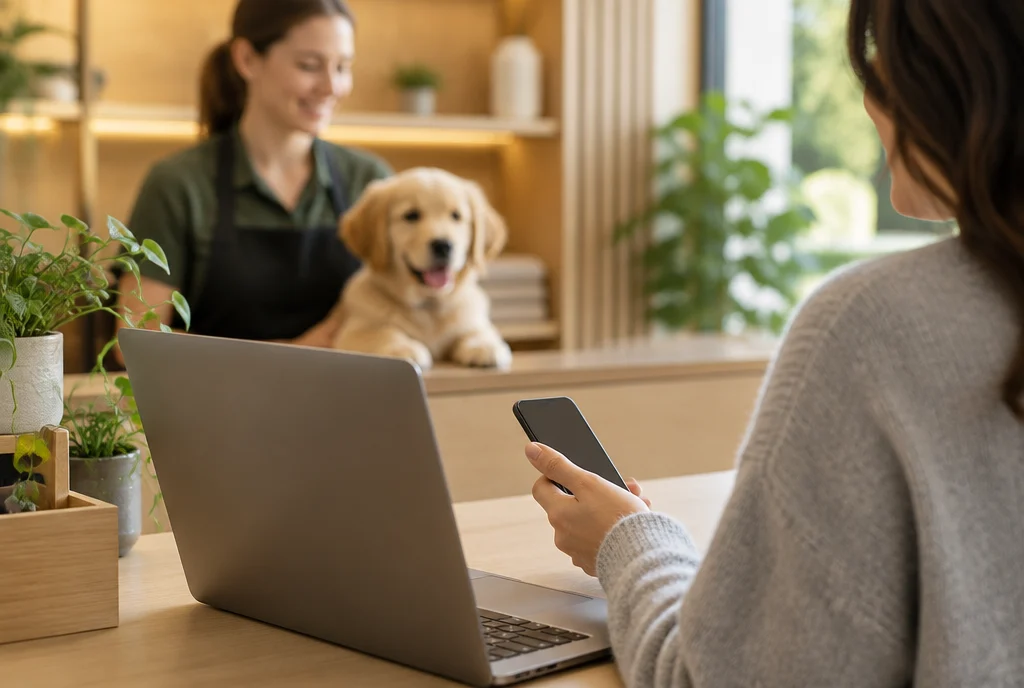
    A laptop and a phone on the same counter, in a pet hotel
  6. Free demo and training

    We show you the app and teach your team.

    We show you Animalia live, on your own business workflow, in a free demo. Once you start, we teach your team to work in the app, also for free.
    • The demo takes 30 minutes.
    • Support in Romanian is available 24/7, including after training.
    Book a demo
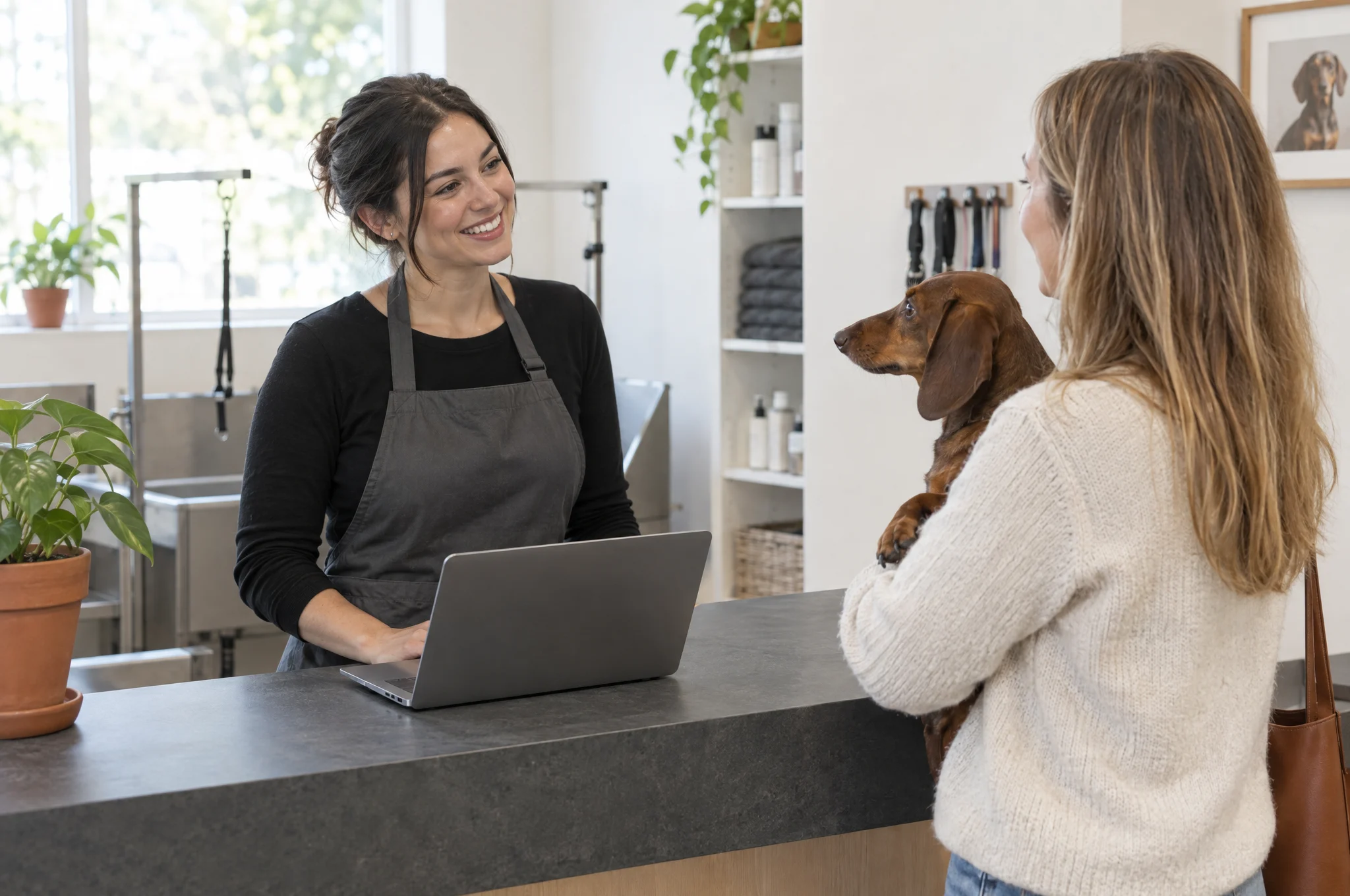
    The reception desk of a grooming salon: the team welcomes a client with a dachshund

Works with what you already use

Billing and payments

Communication and calendar

Website and data

Oblio

You connect your Oblio account with your email and API key. Animalia pulls in the company details, invoice series and VAT rates on its own, and you check them before you turn it on.

How it works

  • The invoice is created in your Oblio account, with Oblio’s numbering.
  • You choose whether the invoice is issued automatically when the appointment is completed or stays a draft so you can check it first.
  • Payments, cancellations and reversals reach Oblio too.
  • You need an active Oblio account, paid separately. Invoices are issued in lei (RON, the Romanian currency).

SmartBill

You connect SmartBill under Invoices → Setup, with your email, API token and the company’s CIF (tax ID), then pick the invoice series.

How it works

  • You issue, cancel, reverse and collect payment from Animalia, and the document shows up in SmartBill.
  • SmartBill sends it to e-Factura, following the settings in your SmartBill account.
  • You work with either SmartBill or Oblio, not both at once.
  • You need an active SmartBill account, paid separately.

e-Factura

You issue the invoice in Animalia, and it reaches e-Factura, Romania’s e-invoicing system, through your invoicing software: Oblio or SmartBill. Animalia doesn’t send to ANAF directly.

Good to know

  • The client can be an individual or a company, with a CUI (tax ID).
  • With SmartBill, sending follows the settings in your SmartBill account.

Stripe

You open your Stripe account from Animalia, through Stripe’s sign-up steps, where you also add the bank account you receive the money in.

How it works

  • You choose: no deposit, a fixed amount, a percentage or full payment.
  • The client pays by card on the Stripe payment page.
  • It works for grooming appointments, hotel bookings and events.
  • You refund in full or in part. At a hotel, refunds can be automatic, following your policy.

Fiscal cash registers

You issue the fiscal receipt from Animalia, through a driver installed on the computer connected to the cash register.

Datecs DP-05
Verified on the device, through FiscalNet.
Other Datecs, Daisy and Tremol models
Compatibility is confirmed for the model and driver you use.

Connection

  • Animalia opens in the browser, on the same computer the driver runs on.
  • The cash register must be connected and set up to work with the computer.
  • Built-in drivers: FiscalNet, Fisco, Tremol ZFPLab and FisCool. The driver license may cost extra.
Check your model

WhatsApp

Reminders go out on WhatsApp on their own, from Animalia’s number. The client taps Confirm or Cancel, and the appointment updates in the calendar.

How it works

  • Messages use the templates approved by WhatsApp: reminders, confirmations and campaigns.
  • One message costs one credit, and a marketing message costs two. Credits are shared with SMS.
  • If a message can’t be delivered on WhatsApp, it goes out by SMS automatically.

SMS

You send automatic reminders and campaigns by SMS, from the credits included in your plan.

How it works

  • How many credits you get depends on the plan.
  • A long message uses more credits.
  • When the credits run out, you can carry on with pay-per-message, with a spending limit you choose.
  • Messages go out with Animalia as the sender. We’ll activate a custom name of up to 11 characters for you, on request.
See credits by plan

Google Calendar

You sign in with your Google account in the phone app, and your Google Calendar events show up in the Animalia calendar, next to your appointments.

Good to know

  • It works in the iOS and Android app.
  • Each team member connects their own Google account.
  • Google events don’t block slots for online booking.

Apple Calendar

From the Animalia Booking app, the client adds the appointment to Apple Calendar, Google Calendar, Outlook or their phone’s calendar.

Any website

You copy a code from Settings → Widget integration and paste it on your website. Clients book without leaving your page.

How it works

  • You choose the format: the booking page embedded in your site, a button that opens it, or the form directly on the page.
  • For WordPress there’s a ready-made shortcode.
  • It works for grooming, hotel, veterinary and events.
  • You also get a public link and a QR code, for Instagram or for the front desk.

Google Sheets

You paste the address of a Google Apps Script into Animalia, following the three-step guide in the app. Every new appointment arrives as a row in the sheet.

Good to know

  • The row has the date and time, the client, the pet, the services, who’s working and the price.
  • Appointments created by the team make it into the sheet. Online bookings, changes and cancellations don’t.

Businesses that chose Animalia Business

  • Urban Pets Grooming & Spa

    „I answer the calls, I make the appointments, and I'm also the one who has to tell clients the dog is done. This app is life changing for me.”
    OanaBucharest
  • Pet Groom

    „If I don't get along with someone, I can block that client so they can't book anymore. We have every right to choose our clientele too.”
    ValiTimișoara
  • Zootopia

    „The classic way, booking in a paper diary, seems really hard to me. If you want to book something a month and a half ahead, you have to keep flipping through the diary pages.”

    MarisaBucharest
  • Cătălin, groomer

    Groomer

    „This app is very easy to use. Useful for every grooming salon.”
    Cătălin
  • Anna, Groomerie

    Groomerie

    AnnaBucharest
  • Mihai, Blue Pet Salon

    Blue Pet Salon

    Mihai
  • Amalia, Groom Zone Pet Spa

    Groom Zone Pet Spa

    Amalia
  • Diana, Pretty Pawfect

    Pretty Pawfect

    Diana